Create a subscription
To use the Bynder Connector for Sitecore XP integration you need a subscription.
There are two ways to obtain such subscription:
- Create one yourself on the integration portal (opens in a new tab) (starts with a free 10-day trial).
- Obtain one through Bynder. Contact your Customer Success Manager at Bynder for more information.
This article explains how to create a new subscription on the integration portal.
Steps to create a subscription
Find the pricing section on the integration portal by clicking the Pricing navigation link or the Try for free button in the header.

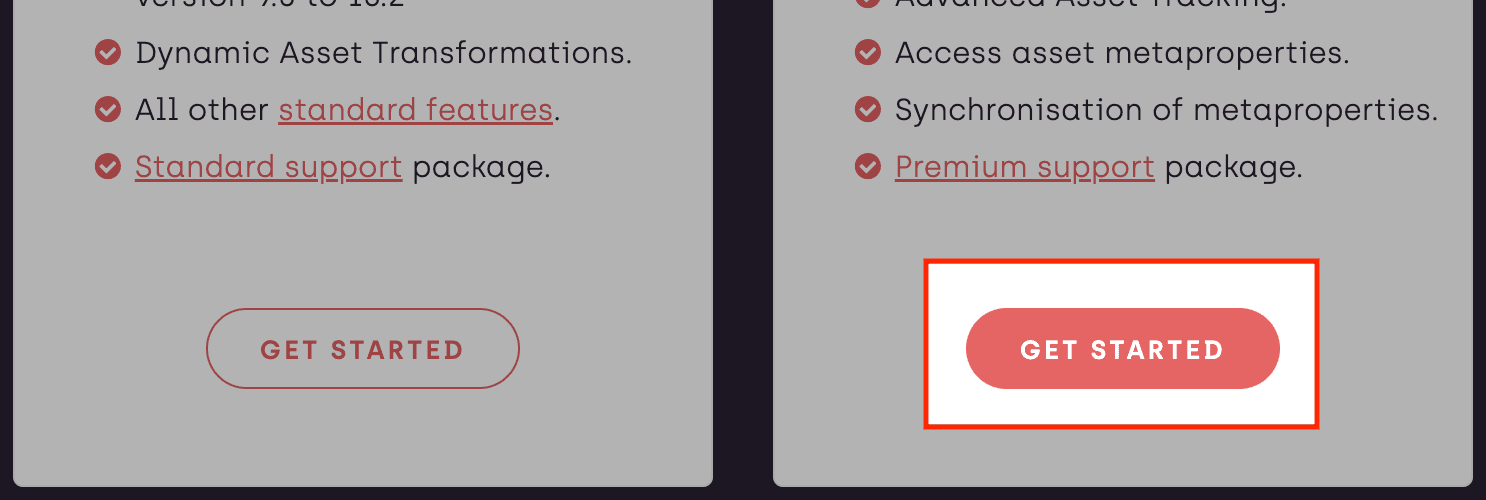
Choose the most suitable subscription level and click Get started to show the sign up dialog.
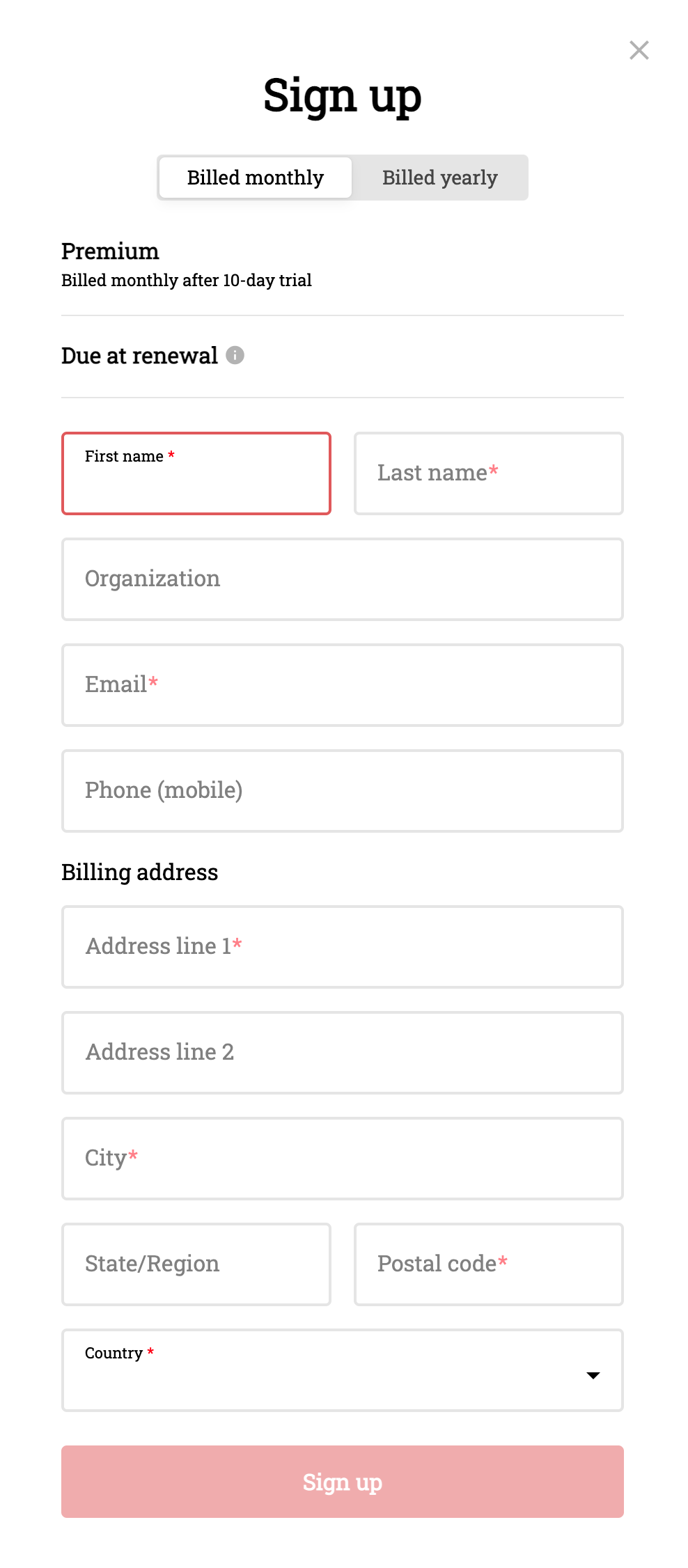
Fill in all the desired information in the Sign up dialog.
You will always start with a free 10-day trial and we don't require a credit card during this period.
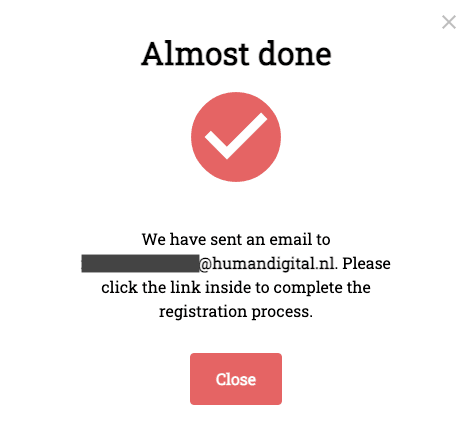
After submitted your details, you will receive a confirmation email with a link that is needed to finalize the registration. It will take roughly 1 minute for the email to arrive.
Also make sure to check if it ended up in the spam folder and feel free to notify us if that happened so we can try to prevent it in future.